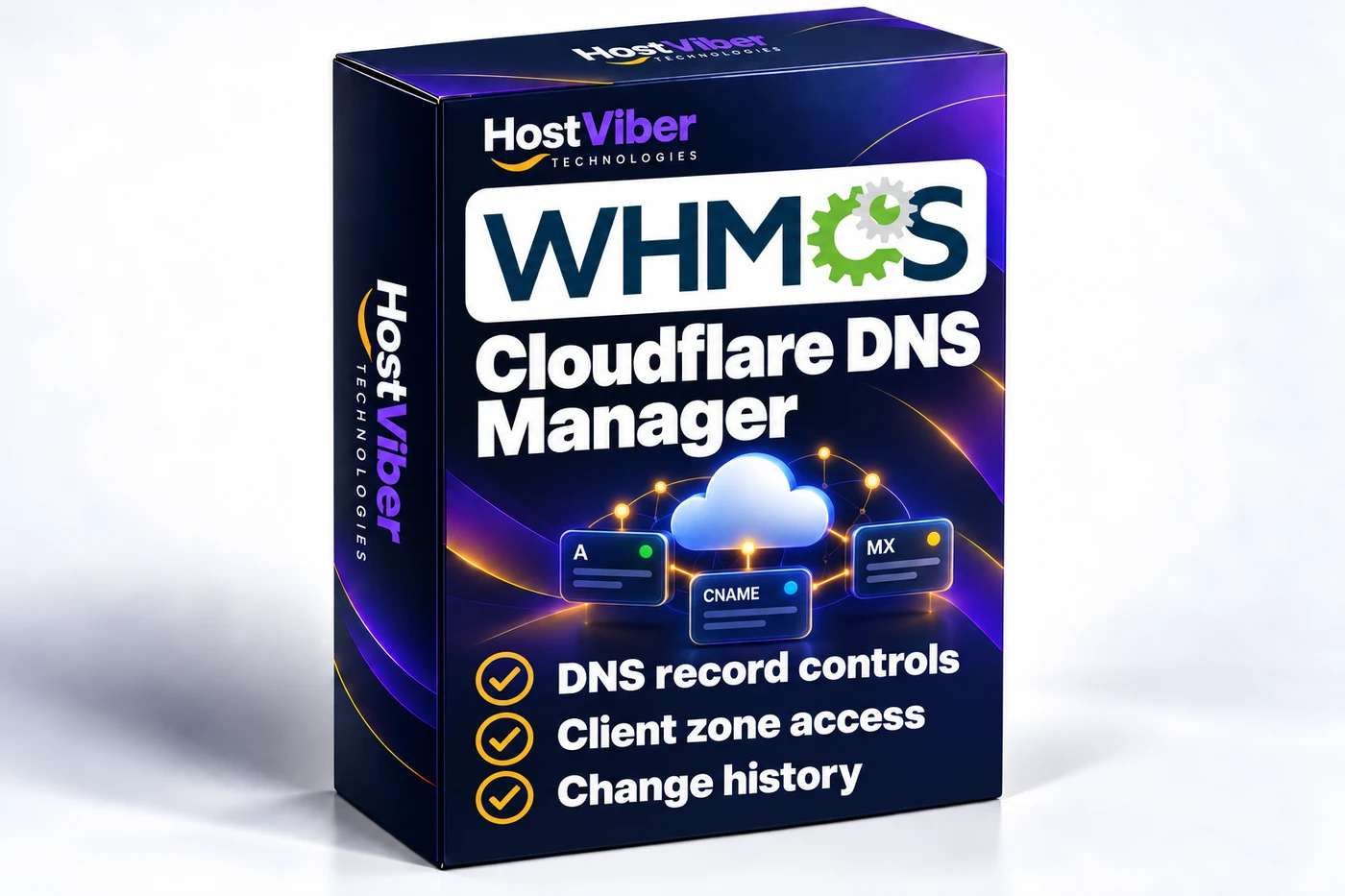
Cloudflare DNS Manager for WHMCSProduct box artworkEnlarge image ↗
A simpler DNS support experience
Give customers a practical place to handle everyday DNS work while your team retains control over the zones and actions available to them.
Purpose
Hosting customers often need to make DNS changes while their provider retains responsibility for the wider Cloudflare account. This module brings that customer task into the WHMCS relationship, helping separate everyday service work from account-wide administration.
Typical workflow
A customer needs to point an assigned domain to a new application or supply a DNS value requested by another service. They work with the zone made available to their WHMCS account, while your team remains responsible for the access arrangements and broader DNS policy.
Role in WHMCS
WHMCS provides the customer account context and Cloudflare remains the DNS platform. The module connects the two so that the customer’s DNS work can sit alongside the services they already manage with your business.
Scope and boundaries
The module does not transfer ownership of a Cloudflare account or make every zone available to every customer. Cloudflare account requirements and provider charges remain separate. Nameserver migration and additional Cloudflare service workflows should be assessed individually.
Key Features
Make everyday DNS changes easier for customers while keeping zone access and administrative control tied to the right WHMCS account.
DNS Record Management — Provide a client-area interface for agreed record types such as A, AAAA, CNAME, MX and TXT. Include clear fields for names, values, priorities and supported TTL settings.
Client Zone Access — Map authorised Cloudflare zones to the relevant WHMCS products, domains and client accounts. Check ownership on every request so customers work only with their assigned zones.
Record Validation — Check record names, values and required fields before submitting a change. Explain unsupported combinations and use confirmation steps for record removal.
Cloudflare Proxy Controls — Where a record supports Cloudflare proxying, expose the agreed proxy controls alongside DNS settings. Keep unsupported options out of the customer interface.
DNS Change History — Record the actor, time, action and outcome of DNS changes made through the module. Define which details staff and customers can see, with sensitive values excluded from general logs.
Scoped API Access — Use Cloudflare API tokens limited to the zones and permissions required by the agreed workflow. Provide administrative connection checks and clear handling of API errors.
Cloudflare connection
Define the accounts, zones and restricted API-token permissions required for the integration.
Client and service mapping
Match each permitted zone to the correct WHMCS client, product or domain.
Record controls
Agree record types, TTL choices, proxy settings, deletion confirmations and change-history visibility.
Scope options
Zone creation, DNS templates, imports and additional Cloudflare services can be assessed as separate requirements.
✓ Compatible with WHMCS v9.1
Your environment
Share your WHMCS and PHP versions, client-area theme, expected zone count and required DNS actions.
Integration testing
A separate Cloudflare test zone and a WHMCS staging installation are needed to verify record changes, access isolation and error handling.
Deployment and support
Check the release requirements and installation guide. The standard licence includes 12 months of updates and support; Cloudflare account or plan charges remain separate.
From Setup to Daily Use
A clear path from installation to a workflow that fits your business.
01
Define your DNS workflow
Agree the accounts, record types, zone mapping and customer permissions.
02
Install and review the integration
Install the supplied module in staging and test with a separate Cloudflare zone.
03
Deploy with a clear handover
Review the agreed checks, installation guide and maintenance arrangements before release.
12 months of updates & support
Your purchase includes the initial support and update period. Continued use of the downloaded version is covered by its licence.
Optional $15 annual renewal
Renew access to updates and support after your first year when you need it.
Technical refund policy
Read the eligibility and support process before purchase.
A ready-to-install standard module is available through Buy Now. Confirm release compatibility and delivery details before purchase. Custom Development is for separately quoted changes.
Can customers manage every zone in our Cloudflare account?+
The intended scope limits customers to zones explicitly assigned to their own WHMCS account or services. Administrative access and customer permissions are designed and tested separately.
Does this move our nameservers or create Cloudflare accounts?+
Nameserver migration and account creation are separate workflows. Tell us if you need them so we can assess their requirements and include an agreed approach in the quotation.
What do you need for a quotation?+
Your WHMCS/PHP versions, theme, approximate zone count and the DNS actions you want customers to perform are enough to start. Send credentials only through an agreed secure setup process.