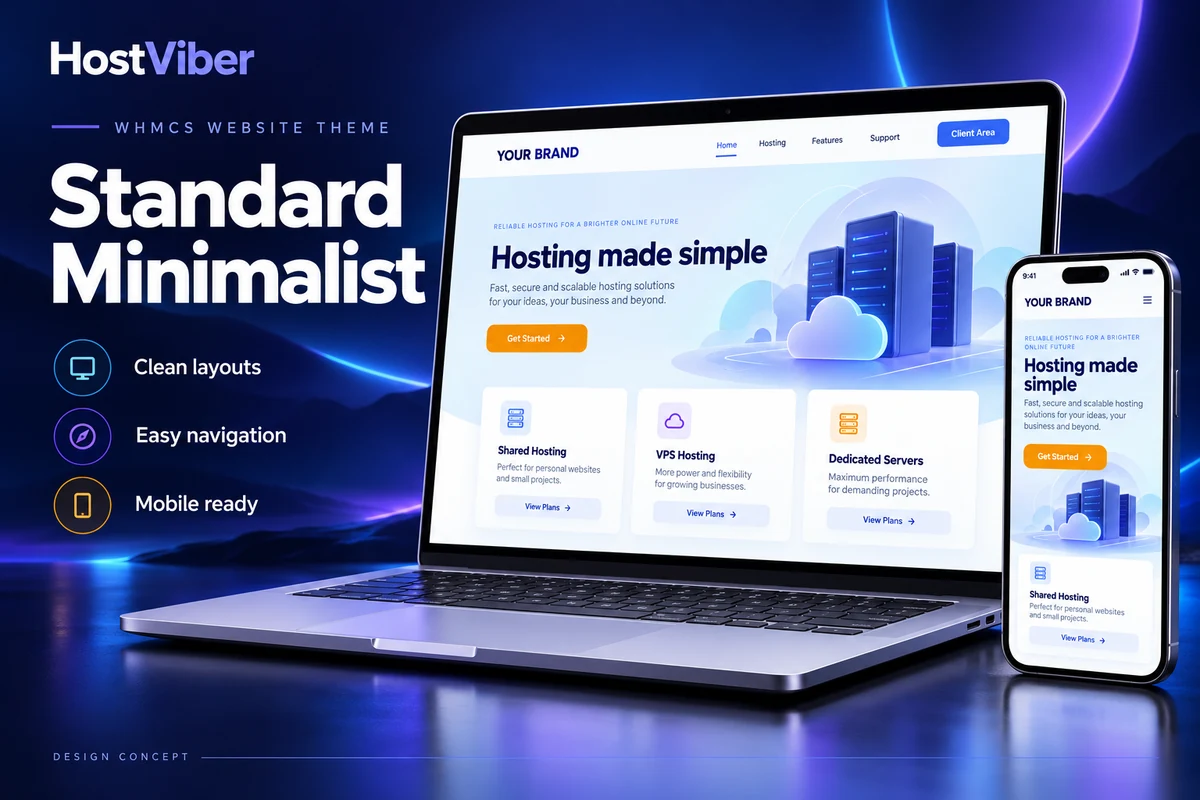
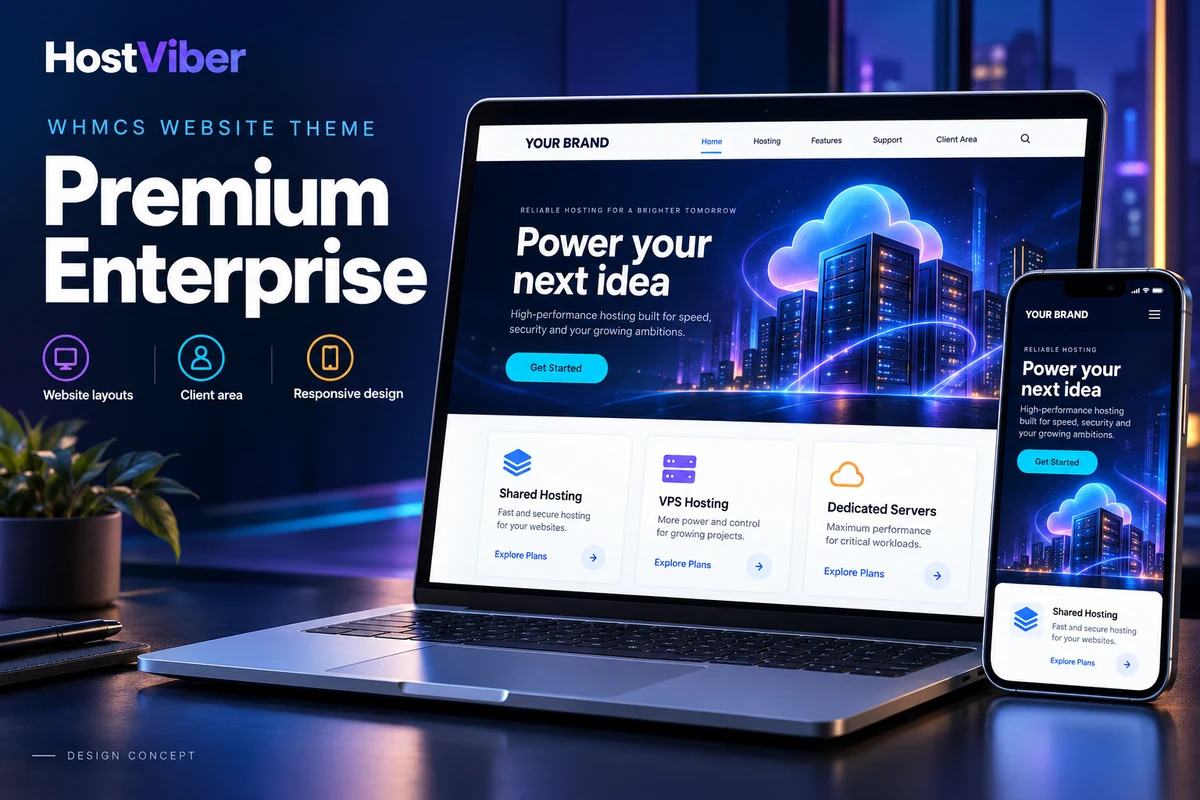
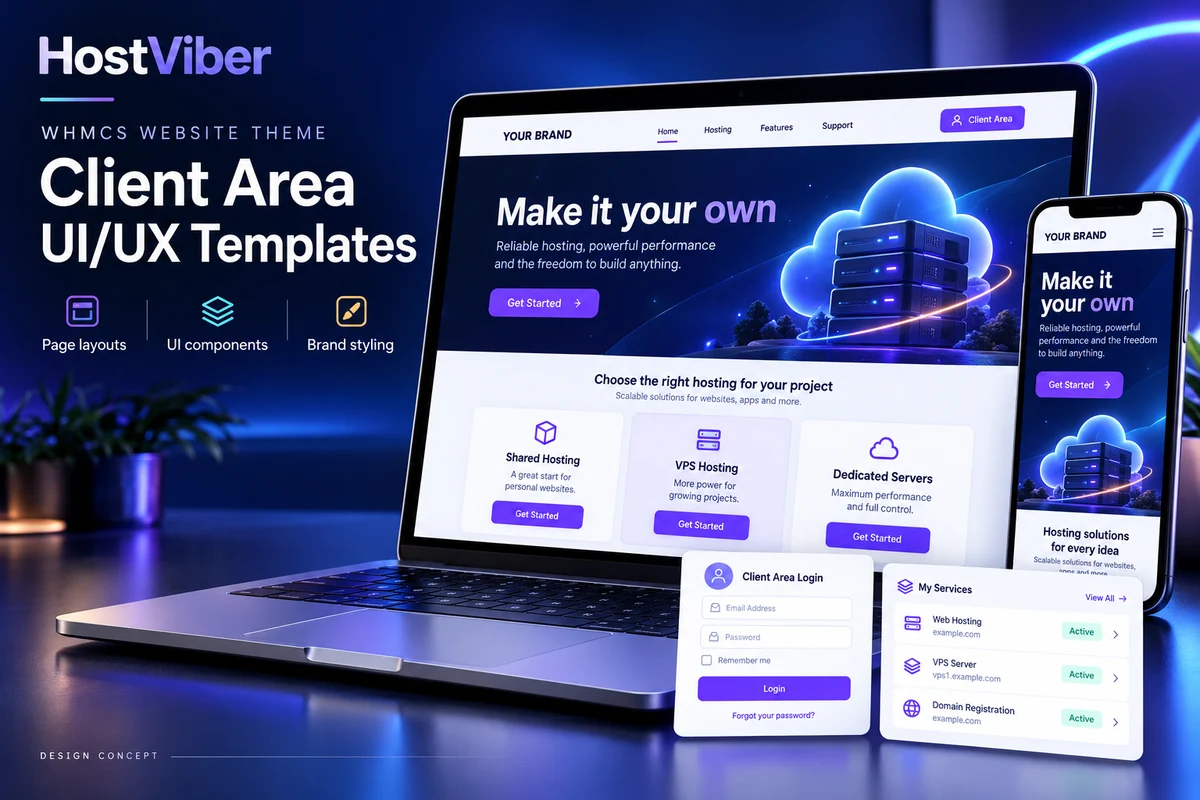
Demo opens a full-page PNG design preview with illustrative content.
Standard Minimalist · Clean, responsive layoutsDesign conceptEnlarge preview ↗
A focused customer account experience
Keep everyday account tasks easy to find with a restrained design and a clear visual hierarchy.
Purpose
Standard Minimalist is intended for hosting startups and agencies that prefer a straightforward customer interface. Its design direction emphasizes readable pages and familiar navigation, allowing your products and account information to take priority over decorative elements.
Typical workflow
An existing customer returns to review a service, find a billing document or contact support. A focused layout helps your team organize those destinations into a recognizable account journey without introducing an extensive dashboard-style presentation.
Role in WHMCS
The theme supplies the visual layer for supported customer-facing pages. Your existing WHMCS installation remains responsible for the account data and processes shown through that interface.
Scope and boundaries
A simpler visual design does not change the behaviour of every installed addon or guarantee performance in every environment. Additional branding work, custom page layouts and third-party interface changes should be reviewed against the supplied package and the needs of your website.
Key Features
A simple presentation for the account tasks customers use most often.
Lightweight Layout Structure — A restrained CSS and layout approach for a simple account presentation.
Account Task Navigation — A clear navigation direction for service, billing and support journeys.
Responsive Page Layouts — Layouts designed to adapt the supported pages to different screen sizes.
Readable Typography — Clear text styling and visual hierarchy across the supplied interface.
Editable Theme Files — Source template and styling files for adapting the design to your licensed installation.
Brand styling
Set the logo, colours and content needed to make the interface recognizable to your customers.
Navigation structure
Review the account destinations and menu labels relevant to your service offering.
Page consistency
Identify existing addon pages or custom content that should follow the same visual direction.
Supported release
Check the WHMCS and PHP versions listed with the supplied theme or template package before installation.
Integration review
Review the relevant client-area theme, order form and third-party modules used by your website.
Pre-launch checks
Review the supported account journeys and responsive layouts in a separate staging environment before making the design live.
From Setup to Launch
A clear path to a consistent website and client experience.
01
Prepare the theme
Review the package requirements and follow its installation guide for your WHMCS setup.
02
Apply your branding
Add your logo, colours and content, then configure the theme’s available options.
03
Test and launch
Review login, billing, support and checkout across screen sizes before making the theme available.
12 months of updates & support
Your purchase includes the initial support and update period. Continued use of the downloaded version is covered by its licence.
Optional $15 annual renewal
Renew access to updates and support after your first year when you need it.
Technical refund policy
Read the eligibility and support process before purchase.
Is this template easy to convert into multiple languages?+
Yes. The template hooks directly into native WHMCS language variable tables, supporting multi-language setups seamlessly.
Can I use this template on a multisite setup?+
The standard checkout purchase authorizes deployment on a single primary WHMCS production installation.
What happens after my 1 Year of Support & Updates expires?+
Your portal continues running without disruption. You simply lose access to download newly optimized version patches unless you choose to renew coverage for $15/year.