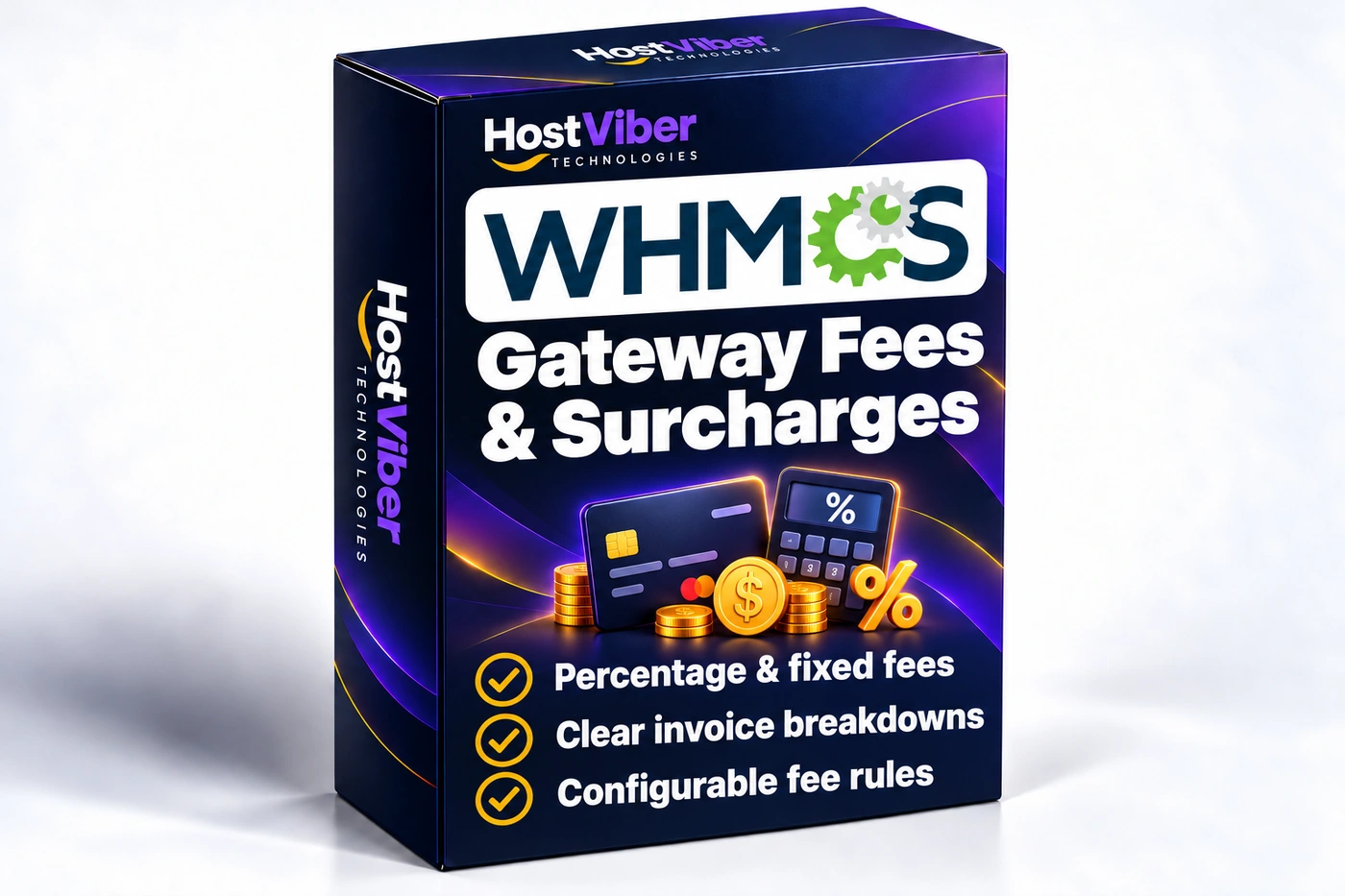
Make permitted payment-related adjustments easier to explain, so customers can understand the charges associated with their chosen payment method.
Purpose
Businesses that accept several payment methods may need a consistent way to explain permitted payment-related adjustments. This module supports a defined billing policy so that customers and staff have a clearer understanding of how those adjustments relate to an invoice.
Typical workflow
Your team decides which payment methods may carry an adjustment and documents the conditions. A customer uses an applicable payment method, then reviews the invoice explanation. Staff can compare that scenario with the business policy when responding to a billing query.
Role in WHMCS
The module sits within your WHMCS billing workflow alongside the payment integrations already used by the business. It helps apply the configured policy while the selected gateway remains responsible for processing the payment.
Scope and boundaries
Whether a surcharge is permitted depends on the payment provider and applicable rules. The module does not grant permission to impose a charge or determine your tax treatment. Additional billing policies and integration-specific changes can be reviewed separately.
Key Features
Make the calculation, its conditions and the customer-facing explanation clear before the payment is processed.
Gateway Fee Rules — Configure supported percentage or flat adjustments for the payment methods used by your business.
Flexible Exclusions — Define the invoice, client or product conditions that determine when an adjustment is applied or excluded.
Invoice Labels — Use meaningful line-item descriptions and review how the calculation appears in invoices and related communications.
Calculation rules
Set the supported percentages, flat values and calculation conditions.
Exclusions
Review the client, product and invoice thresholds available for your release.
Invoice labels
Configure the descriptions displayed to customers and review tax and currency handling for your setup.
✓ Compatible with WHMCS v9.1
Installation guide
Follow the product-specific instructions for files, permissions and configuration.
Integration review
Check the relevant client-area theme, payment gateway or external API connections used by your setup.
From Setup to Daily Use
A clear path from installation to a workflow that fits your business.
01
Install the files
Follow the module’s installation guide for your WHMCS environment.
02
Set permitted rules
Configure the relevant gateway settings, exclusions and customer-facing invoice labels.
03
Review the calculation
Test representative invoices, currencies and payment workflows before enabling the rules for customers.
12 months of updates & support
Your purchase includes the initial support and update period. Continued use of the downloaded version is covered by its licence.
Optional $15 annual renewal
Renew access to updates and support after your first year when you need it.
Technical refund policy
Read the eligibility and support process before purchase.
The module is designed around gateway-specific rules, with the supported fee types and exclusions configured for your setup.
Can it be enabled for every payment method?+
Enable adjustments only where permitted by the selected payment provider’s terms and applicable rules. Review the calculation and customer disclosure for each method.