Guide visitors to the right regional storefront, language or currency while respecting their choices and keeping account and checkout journeys consistent.
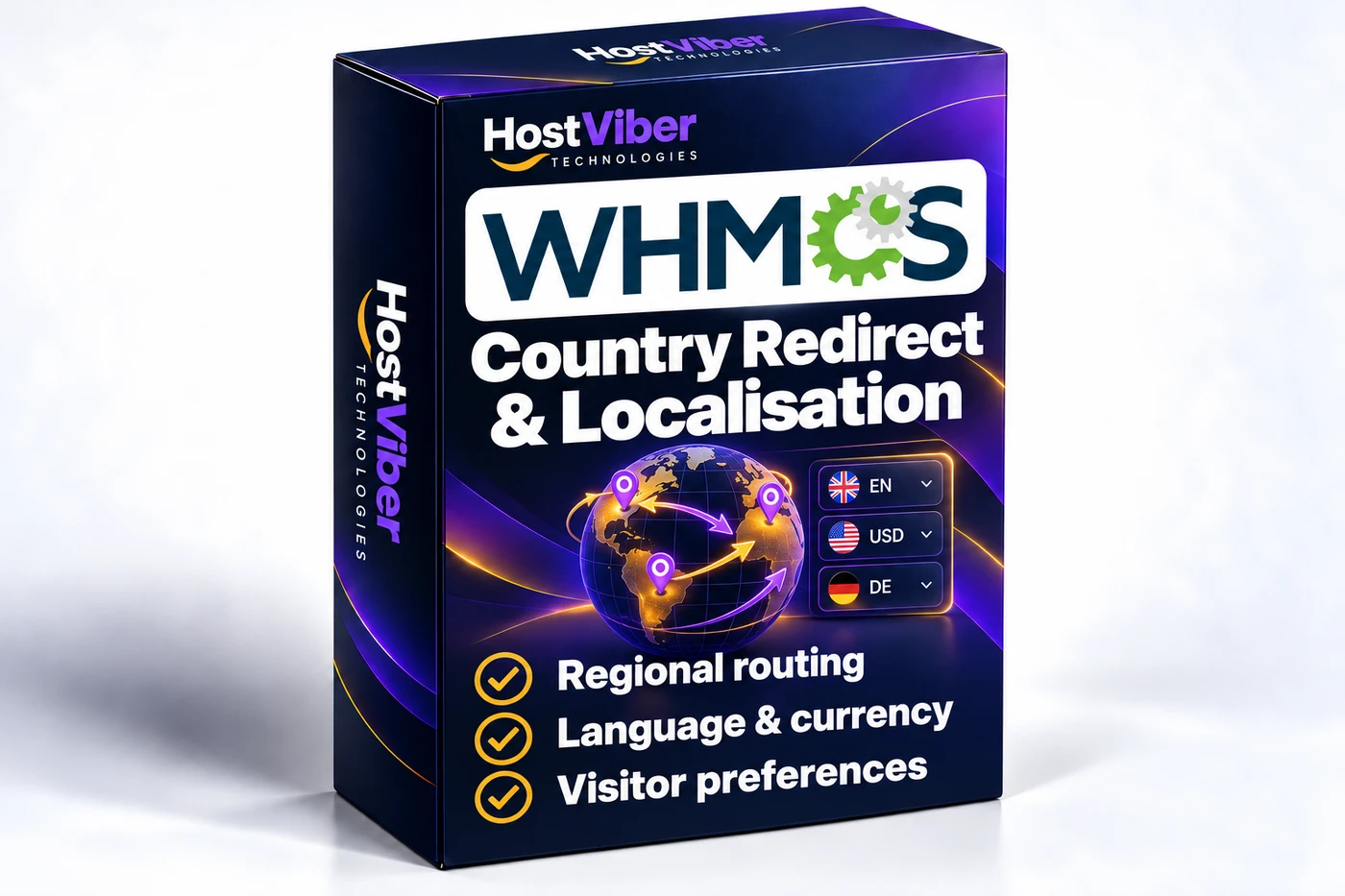
Country Redirect & Localisation for WHMCSProduct box artworkEnlarge image ↗
A more relevant customer journey
Help visitors find the storefront that suits them while respecting their preferences and keeping account and billing journeys consistent.
Purpose
Businesses serving several regions may offer different storefront destinations or presentation choices. This module helps organize the visitor journey around those regional arrangements while keeping the customer’s own preferences part of the experience.
Typical workflow
A visitor arrives at your WHMCS storefront and needs the regional destination relevant to them. Your business defines the available destinations and how a visitor can choose between them, then considers how that choice should behave on later visits and during an existing customer journey.
Role in WHMCS
The module coordinates regional navigation around your existing storefronts. It complements the content, languages and billing arrangements you have already established rather than creating a complete regional business setup by itself.
Scope and boundaries
Location information can be uncertain, especially for visitors using VPNs or shared networks. Regional navigation should also respect account access and payment journeys. New translations, changes to a registered customer’s billing currency and separate regional content projects require their own review.
Key Features
Help visitors find the relevant storefront without making location detection the only way to choose where they shop.
Regional Storefront Mapping — Map supported countries or regions to approved storefront URLs, languages and WHMCS currencies. Set a clear default for unknown or unconfigured locations.
Country Selector — Let visitors choose a region themselves and change it later. Give their explicit choice priority over a location-based suggestion.
Visitor Preferences — Retain the selected region for the agreed duration using an appropriate preference mechanism. Handle expired preferences and return visits consistently.
Billing Currency Continuity — Keep registered account currencies and established billing preferences consistent. Agree when a guest currency can change and how an existing cart should be handled.
Redirect Exclusions — Exclude the agreed login, account, administration, API and payment-callback routes. Restrict destinations to configured locations and protect against redirect loops.
Geolocation Sources — Integrate an agreed geolocation database or trusted proxy source. Define the behaviour for VPNs, uncertain locations, source failures and search-engine access.
Regional map
List approved destination URLs, supported countries, languages, currencies and the default storefront.
Routing behaviour
Choose suggestions, a manual selector or scoped automatic redirects, with explicit preference priority.
Exclusions and continuity
Define account, cart, checkout, callback and API exclusions, and safe handling of return URLs.
Location source
Confirm database licensing or proxy integration, update responsibilities and fallback behaviour.
✓ Compatible with WHMCS v9.1
Existing setup
Document current country rules, currency behaviour, regional URLs and customer preferences before changing routing.
Staging scenarios
Test new and returning visitors, logged-in clients, active carts, unknown locations and completed payment callbacks.
Search and maintenance
Where separate regional content is used, agree the URL and indexing approach alongside the routing configuration. Location data and platform changes need ongoing review.
From Setup to Daily Use
A clear path from installation to a workflow that fits your business.
01
Plan the regional journeys
Agree destination maps, visitor choices and the existing settings to respect.
02
Test the complete customer flow
Review location detection, preferences, account access and checkout in staging.
03
Release with clear controls
Hand over the country map, exclusions and ongoing update responsibilities.
12 months of updates & support
Your purchase includes the initial support and update period. Continued use of the downloaded version is covered by its licence.
Optional $15 annual renewal
Renew access to updates and support after your first year when you need it.
Technical refund policy
Read the eligibility and support process before purchase.
No. A visible selector and remembered visitor choices are the recommended starting point. Automatic routing is an option to assess against your specific storefronts and checkout flow.
Will this change an existing customer’s invoice currency?+
The intended design respects the customer’s configured billing currency. Any separate currency-changing workflow must be agreed explicitly and checked against WHMCS billing behaviour.
Can it work with our current geolocation settings?+
We review your current rules and sources first, then agree what the new module should use, replace or leave in place. It is not installed automatically as part of a website redesign.
What information is needed for a quote?+
Provide your regional URLs, supported countries/currencies, WHMCS version and the behaviour you want for visitors and registered clients.